A service agent on a Salesforce desktop with Genesys telephony has one job title and two statuses. One lives in Salesforce, in the Omni-Channel utility, where presence is set. The other lives in Genesys, which does the telephony. A mapping between the two sets keeps them aligned, and that mapping is mandatory.
Most of the day the two agree and nobody thinks about it. The problem is the moment they do not. The agent sees Available, sits ready, and nothing arrives. Or a colleague looks them up to transfer a call and sees Offline. Nothing on the screen says anything is wrong, so the agent does what people do: refreshes, signs out and in again, asks the supervisor.
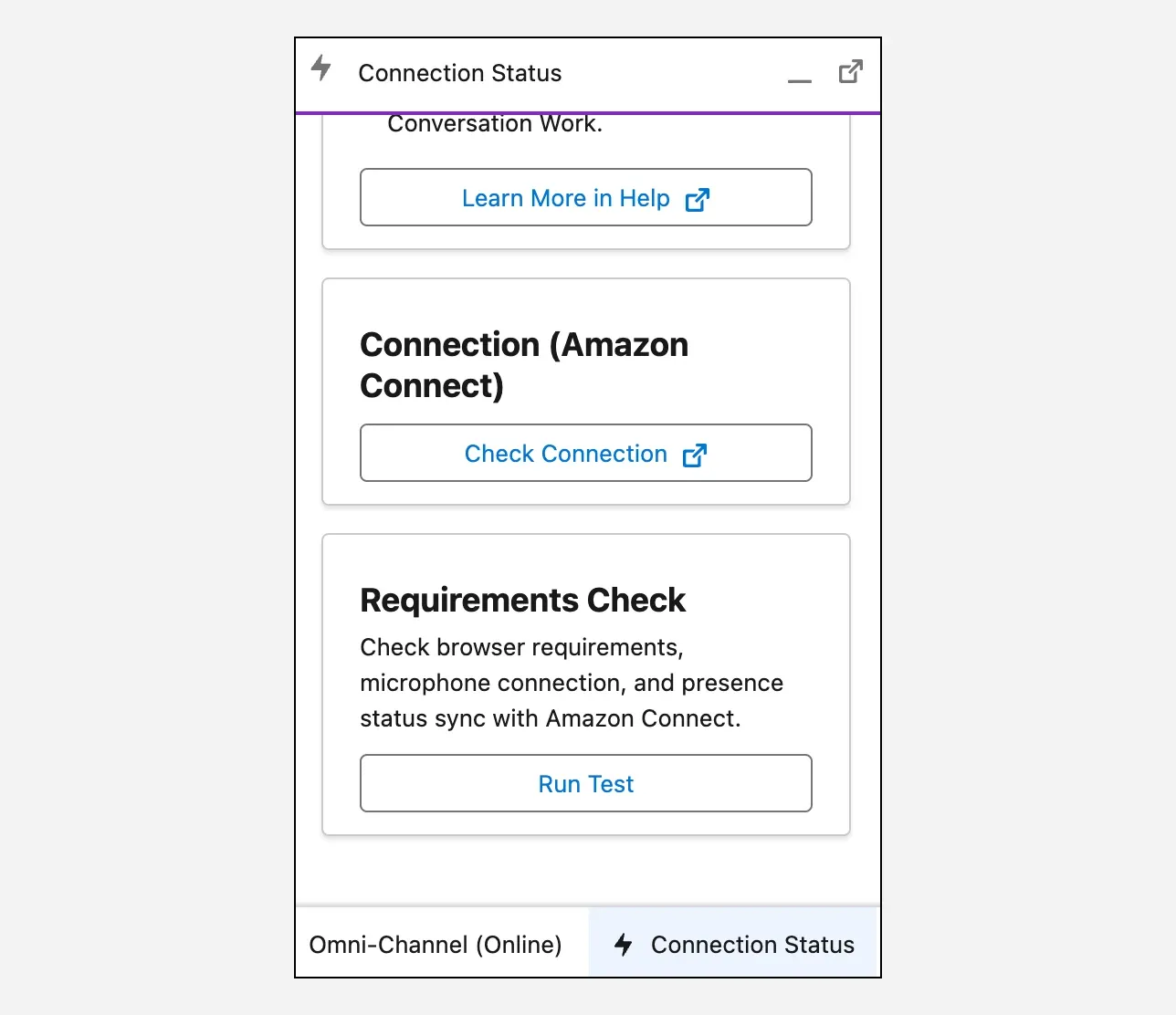
Two lights that can disagree need a third thing on the screen: a name for the disagreement.
Why this is still open in November 2026
The current product is CX Cloud from Genesys and Salesforce. Its latest release note is dated 16 November 2026. The older embedded client built on Salesforce Open CTI was deprecated in March 2026 and retires on 28 February 2028, so more service teams will arrive on this desktop, not fewer.
What the Genesys community threads describe:
- On 12 December 2025, a thread reported Salesforce showing Available while Genesys stayed Busy after the Genesys window was closed. It was unanswered when I read it.
- On 9 September 2025, a thread reported agents going offline in the middle of a call under Enhanced Status Sync. It was unresolved when I read it.
- On 10 August 2026, a thread reported Microsoft Teams users showing as Offline in the CX Cloud transfer search while they were available in Genesys. Also unanswered.
I do not know whether any of these has been fixed since. No release note I read says so, and that is part of the point: the agent cannot tell either.
There is real progress. Since the 16 November 2026 release, the Genesys utility inside Salesforce shows presence, routing status and a timer, read-only. Agents still change their status in Omni-Channel. That is the right shape: one place to change, one place that shows. False Not Responding alerts were also fixed in late 2025.
But showing both statuses side by side does not design the case where they differ. It makes the difference visible to anyone who happens to compare the two, and leaves the agent to work out what it means and what to do. The disagreement is still a state with no name, no explanation and no repair.
What I would design
One place to change, one place that shows. The product already points this way, so I would finish it. The Omni-Channel control is the only thing that looks like a control. The Genesys indicator looks like a reading: no chevron, no hover that suggests a menu, and a short label that says it follows Omni-Channel. If an agent ever has to ask which one to click, the pattern has failed.
A named state: out of step. When the two statuses do not match a row in the mapping, the desktop says so, in words, in the same spot every time. I would write three things into the spec for that state:
- What it is called. "Out of step" is my working name; the test is that an agent can say it to a supervisor over the phone.
- What it means for the agent right now, in one line. For example: work may not reach you.
- The one action that repairs it. A single control that applies the status the agent chose in Omni-Channel to both systems again. Not a link to a help page, and not two choices.
After the repair, the desktop confirms once and goes quiet. A state that keeps congratulating itself is noise.
The mapping table as a design deliverable. Status mapping is mandatory, so someone fills it in. Usually that is the admin, late, in a setup screen. I would bring it into the design work early, because it is the content of the whole pattern. For each pair, the table says what the agent can do, what the words on screen are, and whether the pair is allowed at all. Every pair that has no row is, by definition, out of step. That one rule turns an open-ended sync problem into a list a team can review line by line.
The table also forces the awkward questions while they are cheap. What does a call in progress map to? What happens to status when the Genesys window is closed? Those are the two cases in the threads above.
What the supervisor sees. Supervisors already work across two tools here: a partner answer on the Genesys forum from April 2026 says listening in on a call is not supported from Salesforce Omni Supervisor and is done in Genesys Cloud. So I would not assume the supervisor is looking at the same screen as the agent. Wherever they watch the team, they see the same words the agent sees, Out of step, and since when. The first question a supervisor asks is whether it is one agent or the whole floor, and the screen should answer that before anyone picks up a phone.
The transfer picker. The same rule applies to other people's status. If the picker cannot be sure of a colleague's presence, it should say unknown, not Offline. A wrong Offline costs a transfer that would have worked.
What I check first
Before drawing anything, I would sit with the mapping table and ask for every pair that is not on it. That list is the real brief.
Two systems reporting one person's availability will drift at some point. I would not promise a team that it never happens. I would promise that when it happens, the agent can see it, name it and fix it in one move.
Sources
- Release notes for CX Cloud from Genesys and Salesforce, read November 2026
- About CX Cloud from Genesys and Salesforce, read November 2026
- The agent experience in Salesforce, Genesys Resource Center, read November 2026
- Deprecation: Salesforce Open CTI integration, read November 2026
- Presence sync between Genesys and Salesforce for CX Cloud, read November 2026
- Agent status going offline mid-call, Enhanced Sync in CX Cloud, read November 2026
- Microsoft Teams presence shown as Offline in CX Cloud transfer search, read November 2026
- Live listen-in not working in Salesforce Omni Supervisor, read November 2026